
Deploy to Vercel
with Rabbit.
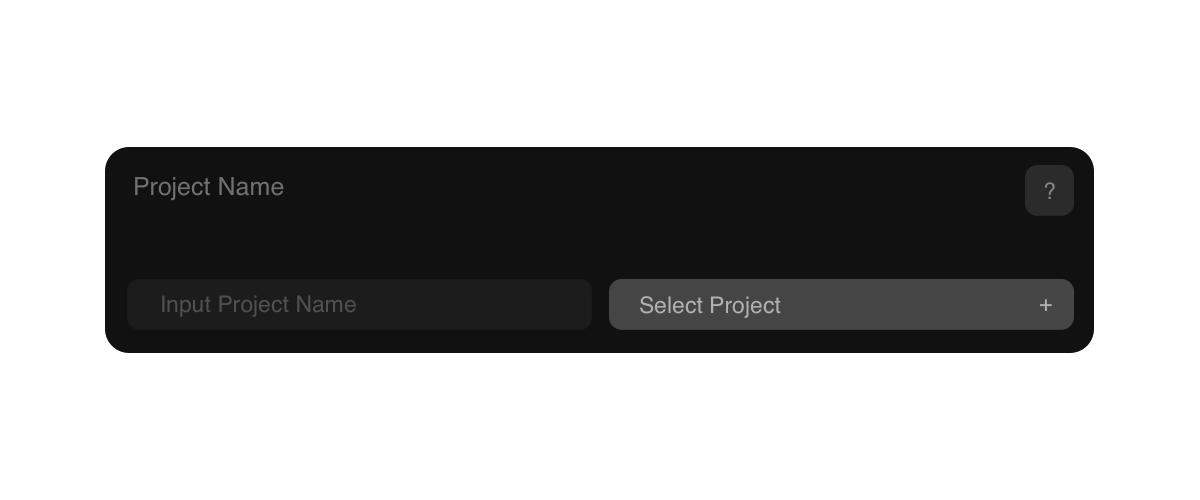
Deploy your Static website or Web application to Vercel easily with Rabbit. Enjoy free, lightning-fast hosting, custom domain connection, and an SSL certificate through the Vercel Hobby plan. Create or Select Project, Upload your Project Folder (Desktop) or Project Zip file (Tablet and Mobile), and click the Deploy button. Once complete, you’ll receive a Deployment URL with options to Copy URL View your live project instantly.
Setup
Accounts.
Before deploying your Static website or Web application to Vercel, you’ll need to create a Vercel account and generate a Vercel token from your Vercel Dashboard Settings → Tokens. This token allows Rabbit to securely connect to your Vercel account for deployment. You’ll also need a Rabbit account to access the Rabbit Dashboard, where you can upload your project and deploy it to Vercel quickly and easily.